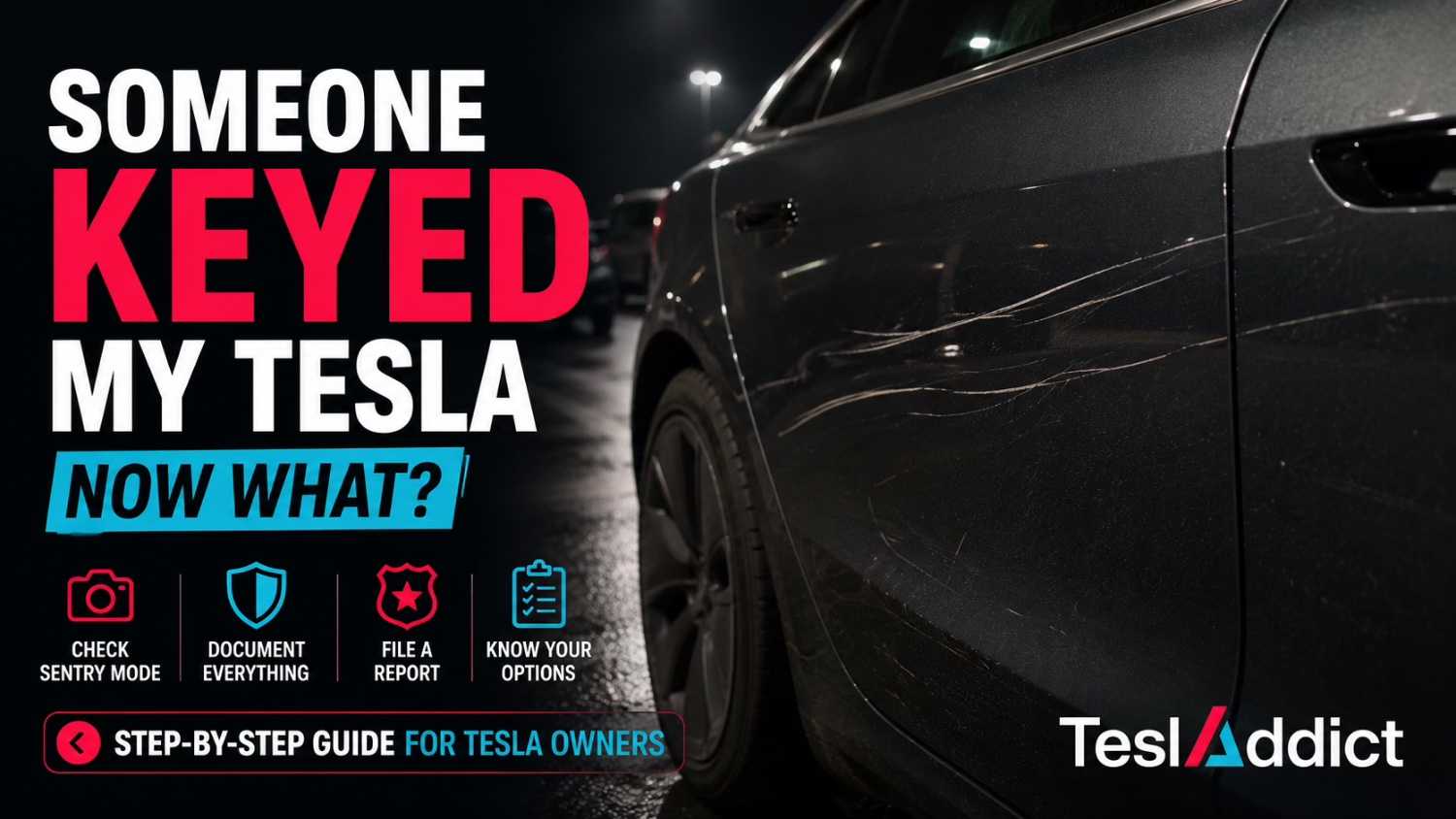
You walk back to your Tesla after shopping, work, or dinner and immediately notice a scratch, dent, or scuff mark that wasn’t there before.
Your heart sinks.
Many new Tesla owners immediately panic and assume the damage is permanent, that they’ll never find who did it, or that the repair will cost thousands of dollars.
Take a breath. The good news is that Tesla vehicles have tools that many other vehicles don’t, and there are several steps you can take before assuming the worst.
This guide walks through exactly what to do if you believe your Tesla has been keyed, vandalized, or damaged while parked.
First: Don’t Assume It’s Permanent Damage
Before filing reports or contacting insurance, inspect the damage carefully.
What looks like a deep key scratch may actually be:
- Paint transfer from another vehicle
- Rubber marks
- Scuffing on the clear coat
- Dirt embedded in the surface
- Minor scratches that can be polished out
Wash the affected area first and inspect it in good lighting before assuming the worst.
Many Tesla owners are surprised to discover that what appeared to be a serious scratch was actually removable with a basic detailing product.
Step-by-Step: What To Do Immediately
Step 1: Take Photos Before Touching Anything
Document the damage exactly as you found it.
- Take close-up photos
- Take wide-angle photos showing the vehicle location
- Capture surrounding vehicles if possible
- Photograph parking lot cameras nearby
- Record the date, time, and location
This documentation may help with insurance claims, police reports, or repair estimates later.
Step 2: Check Tesla Sentry Mode Footage
If Sentry Mode was enabled, there is a chance the event was recorded.
On newer Teslas:
- Open Controls
- Select Safety
- Open Dashcam Viewer
- Review recent Sentry Mode events
You can also remove the USB drive and review footage on a computer for easier searching.
Look for:
- People approaching the vehicle
- Vehicles parking beside you
- Shopping carts
- Door dings
- Any suspicious activity before the damage occurred
Step 3: Save the Footage Immediately
If you find anything relevant, save multiple copies.
Do not rely solely on the USB drive.
Copy the footage to:
- Your computer
- Cloud storage
- Your phone
Important evidence can easily be overwritten if storage becomes full.
Step 4: Check Nearby Security Cameras
If the incident happened at:
- A shopping center
- A grocery store
- A workplace
- A parking garage
- A hotel
Ask management whether security cameras cover the area.
Many businesses only keep footage for a limited number of days.
The sooner you ask, the better.
Step 5: Consider Filing a Police Report
If the damage appears intentional, filing a police report may be worthwhile.
Even if police cannot immediately identify the person responsible, an official report can help:
- Document the incident
- Support insurance claims
- Assist if additional footage becomes available later
Requirements vary by jurisdiction.
Should You Contact Insurance?
Not always.
Before filing a claim, obtain a repair estimate.
Depending on your deductible, it may be cheaper to pay out of pocket.
| Repair Cost | Typical Action |
|---|---|
| Under $500 | Often pay out of pocket |
| $500-$1,500 | Compare against deductible |
| Over $1,500 | Insurance may be worthwhile |
Always compare the estimate against your deductible before opening a claim.
Can Tesla Owners Actually Find Who Did It?
Sometimes, yes.
Tesla Sentry Mode has helped owners identify:
- Vehicle vandals
- Hit-and-run drivers
- Shopping cart incidents
- Door dings
- Parking lot collisions
However, not every incident is captured clearly enough to identify a person.
Your chances improve significantly when:
- Sentry Mode was active
- The vehicle was parked in a well-lit area
- Nearby cameras exist
- You act quickly
How To Reduce The Risk In The Future
- Keep Sentry Mode enabled in public areas
- Park away from high-traffic entrances
- Choose end spaces when possible
- Use covered parking where available
- Avoid tight parking spots
- Periodically verify that your USB drive is functioning correctly
A surprising number of Tesla owners discover their USB drive stopped recording weeks earlier.
Tesla Owner Damage Checklist
- Take photos immediately
- Inspect the damage carefully
- Review Sentry Mode footage
- Save footage copies
- Check nearby cameras
- Obtain repair estimates
- Decide whether insurance makes sense
- File a police report if vandalism is suspected
Frequently Asked Questions
Can Tesla Sentry Mode identify someone who keyed my car?
Possibly. If the cameras captured the incident clearly and lighting conditions were good, footage may help identify the person involved.
Will Tesla notify me if my vehicle is vandalized?
If Sentry Mode is active, the Tesla app may notify you of a Sentry event. You’ll still need to review the footage manually.
Should I file an insurance claim for a scratch?
Not automatically. Compare the repair estimate with your deductible first.
What if Sentry Mode was off?
Your best option is to check nearby business cameras and gather evidence as quickly as possible.
Final Thoughts
Finding damage on a new Tesla is frustrating, especially when you’ve worked hard to buy the vehicle. But don’t assume the situation is hopeless.
Start by documenting the damage, reviewing Sentry Mode footage, checking nearby cameras, and getting a repair estimate before making any insurance decisions.
In many cases, Tesla owners discover the damage is less severe than it first appeared—or that their vehicle may have already recorded exactly what happened.