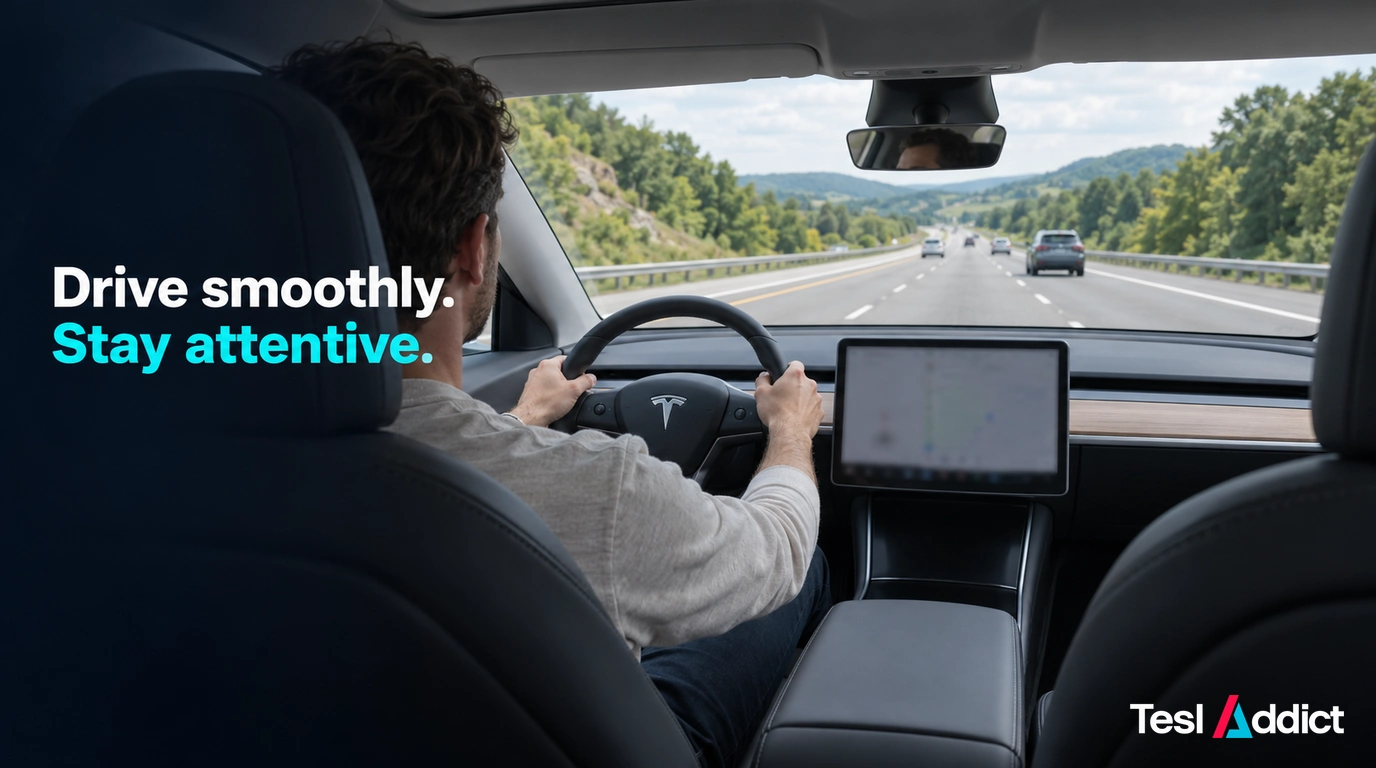
A smoother Autopilot drive starts with suitable conditions, a sensible speed and an attentive driver. Traffic-Aware Cruise Control and Autosteer have different jobs, and neither makes you a passenger. Learn the controls for your vehicle while parked before using them in traffic.
Know which feature is active
Traffic-Aware Cruise Control manages speed and following distance; Autosteer also helps with lane positioning. Availability, engagement controls and behaviour depend on your vehicle and software. Check Tesla’s Autosteer instructions and the manual on your touchscreen.
Use Autosteer only in the conditions and road types permitted by your manual. Keep cameras unobstructed and take over when lane markings, weather, construction or surrounding traffic make its path unsafe.
Respond to attention prompts
Keep your attention on the road and your hands on the wheel as instructed. If the vehicle requests steering input, apply the slight turning force described in its manual while maintaining control. Take over if you cannot supervise comfortably.
Do not use scroll-wheel actions, added weights or other tricks to defeat attention monitoring. A cleared prompt is not proof that the driver is watching the road.
Choose speed and following distance for the road
Use your vehicle’s documented controls to adjust the set speed and gap. On supported configurations, the right scroll wheel adjusts these settings; do not assume the same controls or distance scale apply to every Tesla or to FSD.
Leave enough space for stopping conditions, including wet roads and poor visibility. A short gap is not a useful way to protect your place in traffic. Check posted limits yourself because detected or map-based speed limits can be wrong.
Take over before a problem becomes urgent
Be ready for unexpected braking, a vehicle cutting in, stopped traffic, debris or an uncertain lane choice. Check the surroundings before steering or using a pedal; pressing the accelerator can override speed control without necessarily cancelling all assistance.
Learn what the brake pedal and steering override do in your configuration. After taking control, continue manually until the situation is stable. Never wait for a warning when you already see a hazard.
Set up the cabin before moving
Adjust navigation and driving settings while parked. If glare is a recurring issue, a compatible matte screen protector is an optional comfort accessory; check the display fit and visibility after installation. It does not improve the vehicle’s driving decisions.
For the separate supervised feature, read when to take control of FSD. The most useful habit is the same: watch the road and act early when safety requires it.
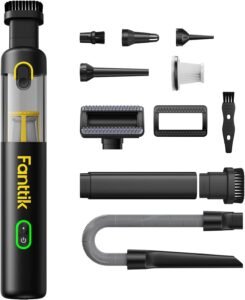
Fanttik V8 APEX mini vacuum: Tidy light dust and crumbs with a compact cordless vacuum and crevice tools. USB-C charging; designed for small interior cleaning jobs. Foldable windshield sunshade: Shade the front windshield while parked with a compact folding cover. Choose the version for your Model 3 or Model Y.