Taking delivery of a Tesla is exciting, but the first few weeks can feel like learning a new language. Charging, regenerative braking, software updates, road-trip planning and warranty coverage work differently from many gas-powered cars.
This evergreen guide covers 25 essentials to help new Tesla owners save money, protect their vehicle and feel confident from day one—wherever they drive.
Set up charging that fits your life
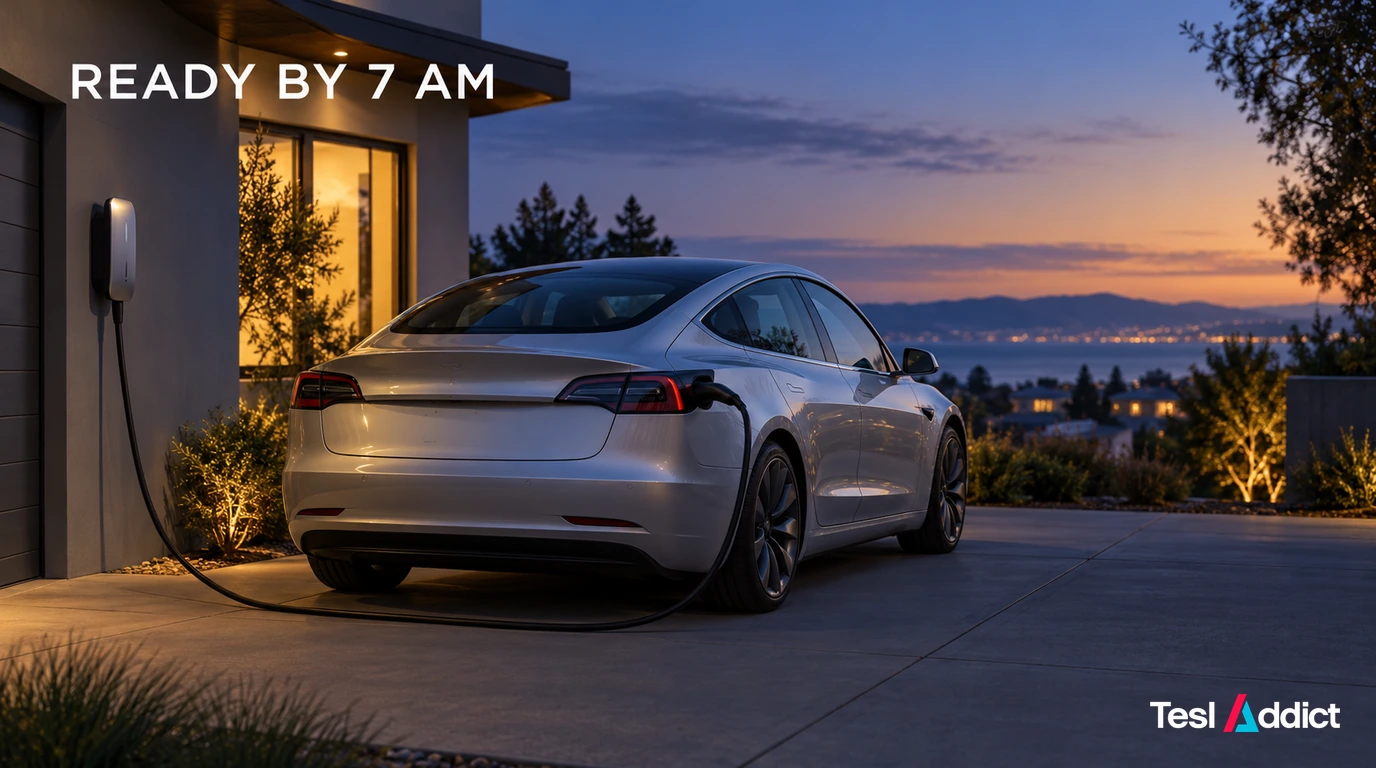
1. Home Charging Changes the Ownership Experience
For most owners, home charging is the biggest convenience upgrade. Plug in when you arrive home, and most mornings start with the range you need—without a stop at a public charger. Before choosing equipment or changing your routine, read our guide to home charging versus Supercharging.
If you need equipment, compare a suitable home charger and an optional key ring for backup access. Confirm the charger’s electrical requirements and the ring’s vehicle compatibility before ordering.
2. Do Not Copy Another Owner’s Charge Limit
Different Tesla battery packs can have different charging recommendations. Rather than following a universal “always charge to 80%” rule, follow the recommendation displayed by your own vehicle.
Increase the limit when you need additional range for a trip, but avoid leaving an applicable battery near full charge longer than necessary.
3. Charging Speed Is Not Always What the Charger Advertises
Charging speed depends on charger power, battery temperature, state of charge and vehicle configuration. Fast charging also slows as the battery gets fuller.
On a road trip, charging to a comfortable departure level is often quicker than waiting at every stop for 100%.
4. Make Public Charging Work for Your Routine
If home charging is unavailable, identify dependable nearby sites, compare their prices and access hours, and keep a backup. Try the payment or app setup before an urgent charge. A convenient public-charging routine can matter more than choosing the highest advertised power.
5. Schedule Charging Around Lower Electricity Rates
If your utility offers time-of-use pricing, scheduled charging can lower your cost per mile or kilometre. Set a schedule in the Tesla app or vehicle settings so the car begins charging during lower-rate periods.
Learn the driving and trip-planning basics
6. Regenerative Braking Takes a Few Drives to Learn
When you lift off the accelerator, your Tesla slows down and sends some energy back to the battery. It can feel strong at first, but most owners quickly appreciate the smoother driving experience.
Give yourself extra following distance while adjusting, especially in rain, snow or icy conditions.
Keep the brake pedal available and use it whenever needed. Cold or a high state of charge can reduce regeneration; never assume lifting off the accelerator will always produce the same stopping response.
7. Cold Weather Will Affect Your Range
Cold temperatures reduce EV efficiency. Cabin heat, a colder battery and winter tires can all increase energy use.
Precondition the car while it is plugged in, use scheduled departure when possible and leave a larger range buffer for winter drives.
8. Navigate to a Supercharger Instead of Driving There Manually
When you use Tesla navigation to route to a Supercharger, the vehicle can precondition the battery before arrival. That preparation may improve charging speed and shorten your stop.
9. Tesla Navigation Is Also a Road-Trip Planner
Tesla navigation estimates battery level on arrival, plans charging stops and adapts to changing conditions. Use it for your first longer trip even if you normally prefer another mapping app.
10. Keep a Comfortable Arrival Buffer
Do not plan to reach every charger with 1% remaining. Weather, traffic, elevation, wind and unexpected detours can affect real-world consumption.
A sensible buffer makes EV travel calmer and gives you more options if a charging stop is busy or unavailable.
11. Battery Care Does Not Need to Become an Obsession
Good habits are simple: follow your vehicle’s charge recommendation, charge regularly, use home charging when practical and avoid leaving the battery near either extreme for long periods.
If battery condition is a concern—particularly when buying or selling—see how to check used EV battery health.
Set up software, security and access
12. Software Updates Can Improve the Car
Tesla delivers over-the-air updates that can add features, refine the interface and improve the ownership experience without a service-centre visit.
Read update notes before installation, and avoid starting a major update shortly before you need to drive.
Use reliable Wi-Fi and follow Tesla’s installation guidance. The car cannot be driven while an update installs.
13. Learn the Screen Before You Need It
Spend a few minutes while parked finding the wipers, lights, mirrors, climate controls, glovebox and charging settings. Tesla’s minimalist layout becomes intuitive once you know where important controls live.
14. Set Up Driver Profiles Properly
Driver profiles can save seat, mirror, steering-wheel and driving preferences. If more than one person uses the car, set up profiles early and link each one to the correct phone key.
15. Protect Your Account and Enable PIN to Drive
Use a unique Tesla Account password and authenticator-based multi-factor authentication. Save the single-use recovery codes somewhere secure that you can reach if your phone is lost.
Review any additional sign-in methods offered in your current Tesla account; availability can differ. Account sign-in and Phone Key have different jobs, so keep recovery access and your backup key card.
PIN to Drive adds a vehicle-start PIN. Check the menu in your manual. Tesla documents account-based PIN recovery, so protecting the account remains important.
16. Phone Key Is Excellent—But Keep a Backup
Your phone can unlock and start the vehicle, but it still depends on Bluetooth and battery life. Keep a key card with you, especially when travelling.
Look after safety, tires and useful gear
17. Driver-Assistance Features Still Require an Engaged Driver
Autopilot and Full Self-Driving features can reduce workload, but they do not remove your responsibility to supervise the vehicle, monitor traffic and respond safely to road conditions.
Use these features only when you understand their limits and remain ready to take control immediately.
See when to take control of FSD. Do not wait for a warning if you already see a developing hazard.
18. Tires Can Wear Faster Than You Expect
Teslas are heavy and deliver immediate torque, which can accelerate tire wear. Check cold tire pressure against the door-pillar label regularly, rotate tires according to Tesla’s guidance and choose replacement tires that fit your climate and driving priorities.
19. Buy Gear That Solves a Real Problem
A few thoughtful accessories can improve daily ownership, but random add-ons often become clutter. Prioritize protection, organization, charging convenience and seasonal needs.
Browse Tesla Gear Worth Buying for curated accessories and upgrades selected for real-world usefulness.
20. Review Wheel, Tire and Roadside Coverage
Potholes, curb damage and tire problems are common ownership surprises. Know what your policy covers and whether you have roadside assistance before you need it.
Understand costs, maintenance and coverage
21. Do Not Overlook Insurance After Delivery
Your previous insurance policy may not provide the best protection for a new Tesla. Deductibles, repair costs, replacement-value coverage and loan or lease payoff protection can make a meaningful difference after a major claim.
For U.S. owners, review Tesla depreciation protection and replacement coverage. Canadian owners can learn about waiver of depreciation and replacement-cost protection.
22. Track Your Actual Cost Per Mile or Kilometre
Electricity is often less expensive than gasoline, but your real savings depend on where you charge, when you charge and how often you use public fast charging.
Track a few months of charging costs before drawing conclusions about your ownership economics.
23. Teslas Still Need Basic Maintenance
Teslas require less routine maintenance than many gas cars, but not zero maintenance. Tires, cabin air filters, wiper blades, brake-fluid checks and seasonal inspections still matter.
For owners who want to better understand the car’s diagnostics, our Tesla Service Mode guide explains how to access the information responsibly.
Follow Tesla’s current maintenance guidance for your model and use conditions.
24. Read Your Warranty Before a Problem Appears
Know the difference between basic vehicle coverage, battery and drive-unit coverage, and normal wear items. The best time to understand warranty terms is before a warning light or repair estimate creates urgency.
25. Enjoy the Car Before Optimizing Every Detail
You do not need to master every setting in the first week. Start with good charging habits, basic security, insurance and warranty awareness, then learn the details that matter most to your driving life.
Related Reading: Your Next Smart Ownership Steps
A Tesla becomes easy to own once the fundamentals become routine. Set up a few good habits early, protect the investment you have made and enjoy the miles ahead.