You can prepare your Tesla to receive eligible software promptly, but you cannot move it ahead of Tesla’s rollout. Choose the update preference that suits you, maintain reliable Wi-Fi and install when you can leave the car parked. A newer FSD release on another vehicle does not establish eligibility for yours.
Choose Advanced for the earliest eligible release
Open Controls → Software → Software Update Preference. Tesla says Advanced requests updates as soon as they are available for your configuration and region. Standard remains a valid preference; it is not a fault that needs fixing.
Tesla’s software-update guidance confirms that delivery is rolling and that Tesla does not send individual updates on request. Advanced cannot bypass hardware, region or feature eligibility.
Make downloading easy
Connect to a stable Wi-Fi network where you normally park. Check the signal if a download stalls, and look in Controls → Software or the app for its status.
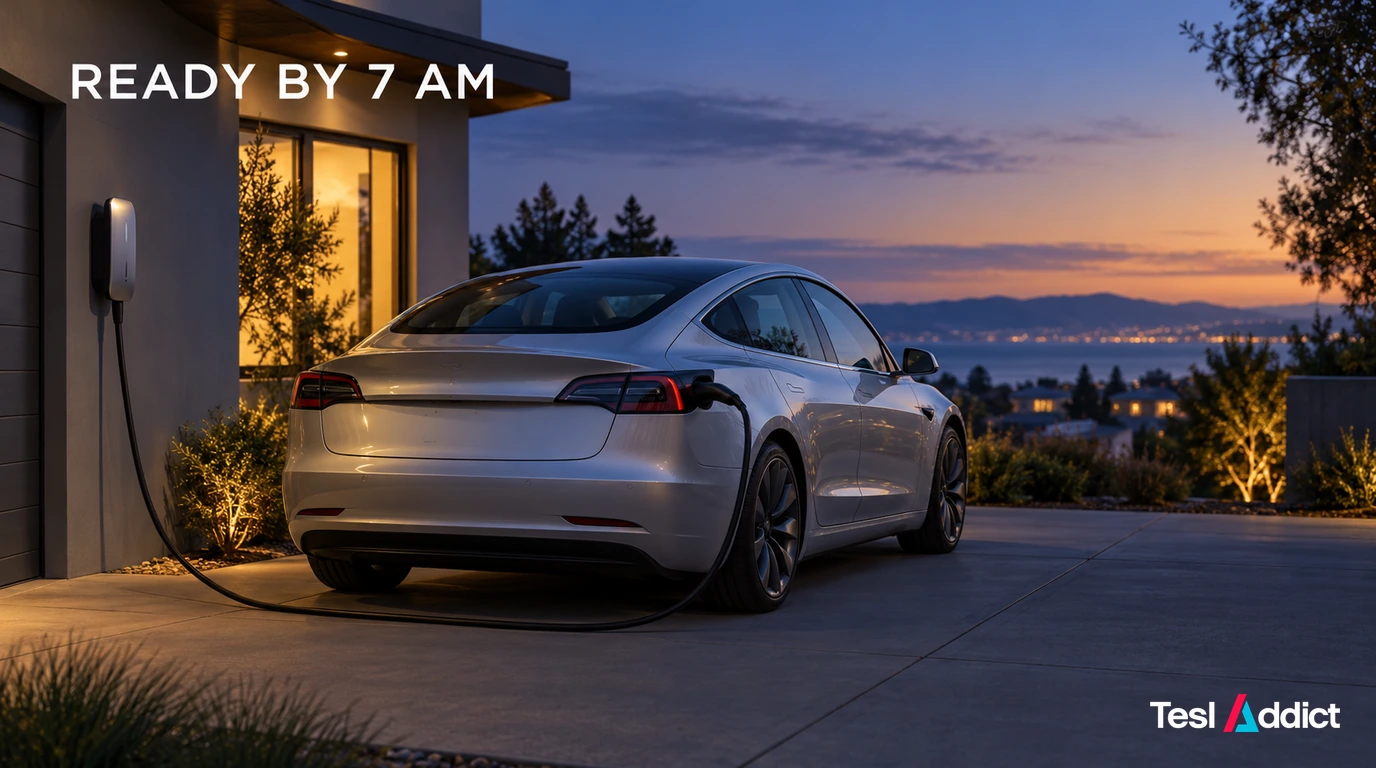
Plugging in can suit your normal charging routine, but it is not an official queue-jumping method. Do not repeatedly wake the vehicle or change settings to chase another owner’s version number.
Install when the car can stay parked
Allow enough time before your next drive and follow the displayed instructions. You cannot drive during installation, and charging pauses until it finishes. Review the installed release notes before using a changed feature.
Keep a practical fallback if you need the car at a fixed time. A software update is not a reason to assume FSD can operate without supervision; see our FSD driver-responsibility guide.
Troubleshoot a failed update, not an absent rollout
A touchscreen restart is a troubleshooting step, not a way to obtain an unreleased update. If installation appears unsuccessful or the screen becomes unresponsive, follow Tesla’s current troubleshooting instructions. If the download or installation still fails, request service through the app.
Record the version, error message and what the progress screen shows. Avoid Service Mode reinstalls or repeated power resets simply because another Tesla has a newer build.
For reading between releases, visit OTA Whispers, Tesla tips or EV ownership coverage. The useful routine is reliable Wi-Fi, an appropriate preference and attention to the update actually offered to your vehicle.