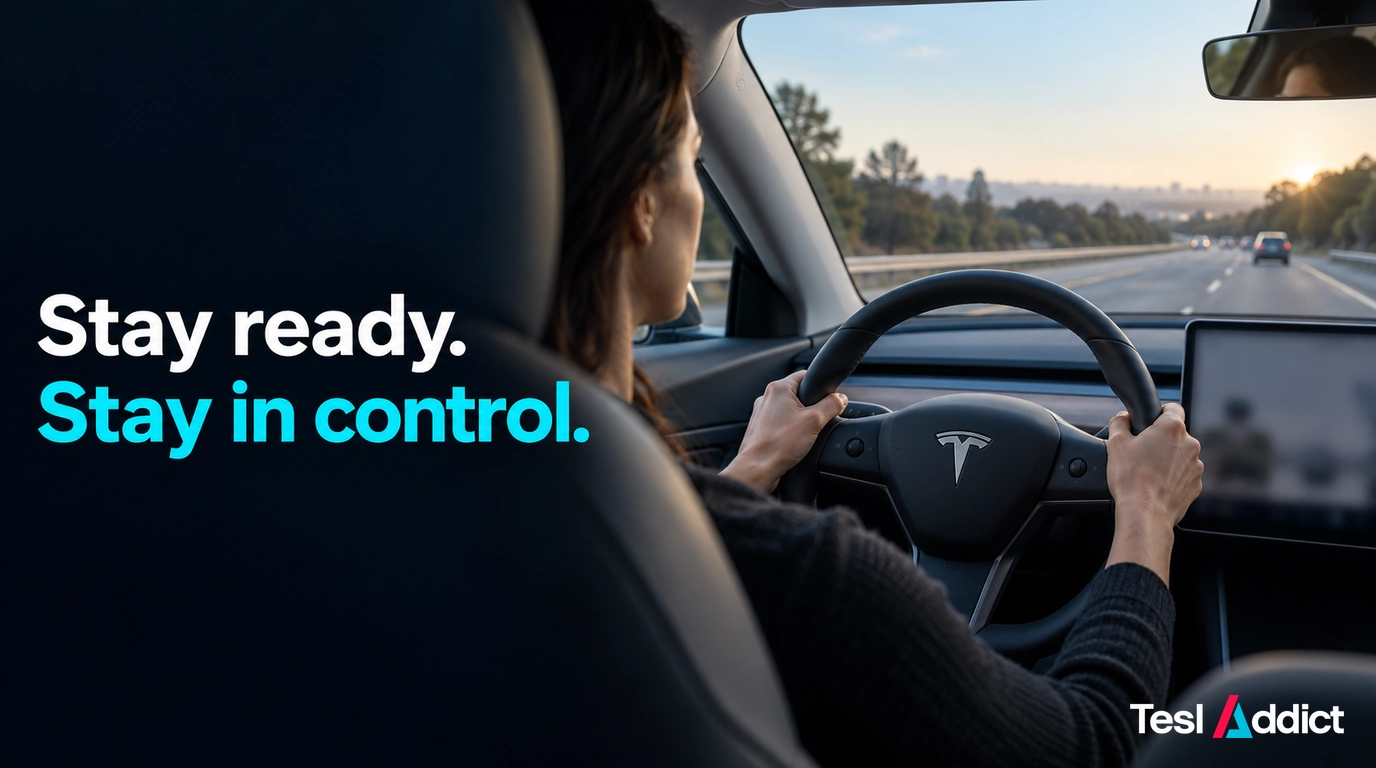
Let FSD continue only while its path remains safe, legal and understandable—and take control as soon as safety requires it. You do not need to wait for a warning or a clear failure. Tesla’s Full Self-Driving (Supervised) guidance requires an attentive driver ready to act at all times.
That does not mean every cautious pause needs an accelerator override. Good supervision means watching the road, anticipating hazards and choosing a controlled response with enough time and space.
Supervision is an active driving task
FSD can assist with route following, turns and lane changes, depending on the vehicle, software and region. It does not make the vehicle autonomous. A clear touchscreen visualization is not proof that the road or the adjacent lane is clear.
- Watch vehicles, pedestrians, cyclists and the road ahead.
- Know the planned route and a safe alternative if the car chooses the wrong lane.
- Keep your hands and feet ready to control the vehicle, following your car’s instructions.
- Respond to attention prompts and never bypass monitoring or use a handheld device.
- If you are tired, distracted or unable to supervise, stop safely. Manual driving also requires full attention.
Act before the situation becomes critical
Intervene when the car is entering an unsafe gap, approaching stopped traffic too quickly, crowding a pedestrian or cyclist, moving toward a barrier, or using a speed unsuited to the conditions. You can also disengage whenever you prefer to drive yourself.
For example, if temporary lane markings lead toward a closed lane, take control while there is room to respond. Do not let the car continue as an experiment or wait to discover whether it will recover.
A safe pause or a larger following distance is not automatically a malfunction. Letting FSD complete a routine manoeuvre is reasonable only while you remain comfortable supervising it and ready to act.
Use the road situation to guide the response
| Situation | What the driver should assess |
|---|---|
| Highway cruising or a merge | Watch closing speeds, short ramps, motorcycles, stopped traffic, debris and disabled vehicles. Take control if speed, gap or positioning becomes unsafe. |
| Lane change | Check both the destination lane and the space you would return to. A gap on the screen is not a substitute for checking traffic. |
| Intersection or unprotected turn | A cautious wait can be appropriate. Do not accelerate the car into traffic unless you have confirmed the gap and can complete the manoeuvre safely. |
| Roundabout or multi-lane turn | Check the approach speed, correct lane, yielding and exit. Take over if any of these becomes uncertain or unsafe. |
| City street or parking lot | Expect pedestrians, cyclists, doors opening and vehicles reversing. Low speed does not remove the need to supervise. |
| Residential or rural road | Allow for children, animals, farm equipment, hidden driveways and blind crests. Keep speed appropriate for the distance you can see. |
| Construction or manual traffic direction | Prepare to drive manually. Take control for police or workers directing traffic and follow lawful directions when safe. |
| Emergency vehicle | Identify a safe, lawful way to yield. Take over if FSD does not respond appropriately. |
| Snow, rain, fog or glare | Poor visibility can degrade performance. Disengage when conditions are unsuitable; stop safely if you cannot continue safely yourself. |
| Unexpected route choice | Continue legally and reroute rather than make a dangerous last-second correction. |
These are supervision examples, not a complete list of safe operating conditions. Tesla warns that FSD can make sudden errors even on apparently straightforward roads. Follow the limitations in your own vehicle’s manual.
Know how your inputs change control
Learn the documented disengagement methods before using FSD extensively. In the current Model Y manual, braking, the designated steering-wheel control or taking over steering can cancel FSD. Controls differ between configurations; use the instructions for your vehicle.
Pressing the accelerator is not the same as disengaging. It can override speed control while assistance remains active. Do not use it reflexively when the car brakes or hesitates: first check whether there is a hazard you have missed.
If steering is needed, consider surrounding traffic and the available escape path. If braking is needed, respond to the hazard. Aim for smooth inputs when circumstances allow, but do not delay necessary emergency action to keep the ride comfortable.
After taking control, stabilize the car and continue manually until the situation is suitable. Do not rush to re-engage. When safely parked, document a repeatable concern for service if appropriate.
Why takeover timing matters after a collision
Two questions can both matter: whether an earlier takeover could have avoided danger, and whether a later steering or pedal input changed the outcome. For example, abruptly steering back from a lane change without checking the original lane can introduce a different hazard.
That example is not a finding about any particular crash. Establishing what happened requires the full sequence, road conditions, recordings and available vehicle data. Legal and insurance responsibility depends on the jurisdiction and facts; engaging FSD does not justify assuming responsibility has transferred away from the driver.
The practical lesson is to remain aware of the surrounding traffic and intervene early enough to choose a safe response. A possible effect of driver input is never a reason to let an unsafe manoeuvre continue.
Check readiness before each drive
- Confirm that you are alert, the cameras are unobstructed and conditions suit the feature.
- Know how to disengage and set an appropriate speed.
- Read relevant release notes after updates; behaviour can change.
- During use, watch beyond the car ahead and maintain room to respond.
- Take over immediately when instructed, or sooner when you see a developing hazard.
Use FSD only while you can supervise confidently. When its choice is unsafe or unclear, take control and drive the situation yourself.
Fanttik V8 APEX mini vacuum: Tidy light dust and crumbs with a compact cordless vacuum and crevice tools. USB-C charging; designed for small interior cleaning jobs.