
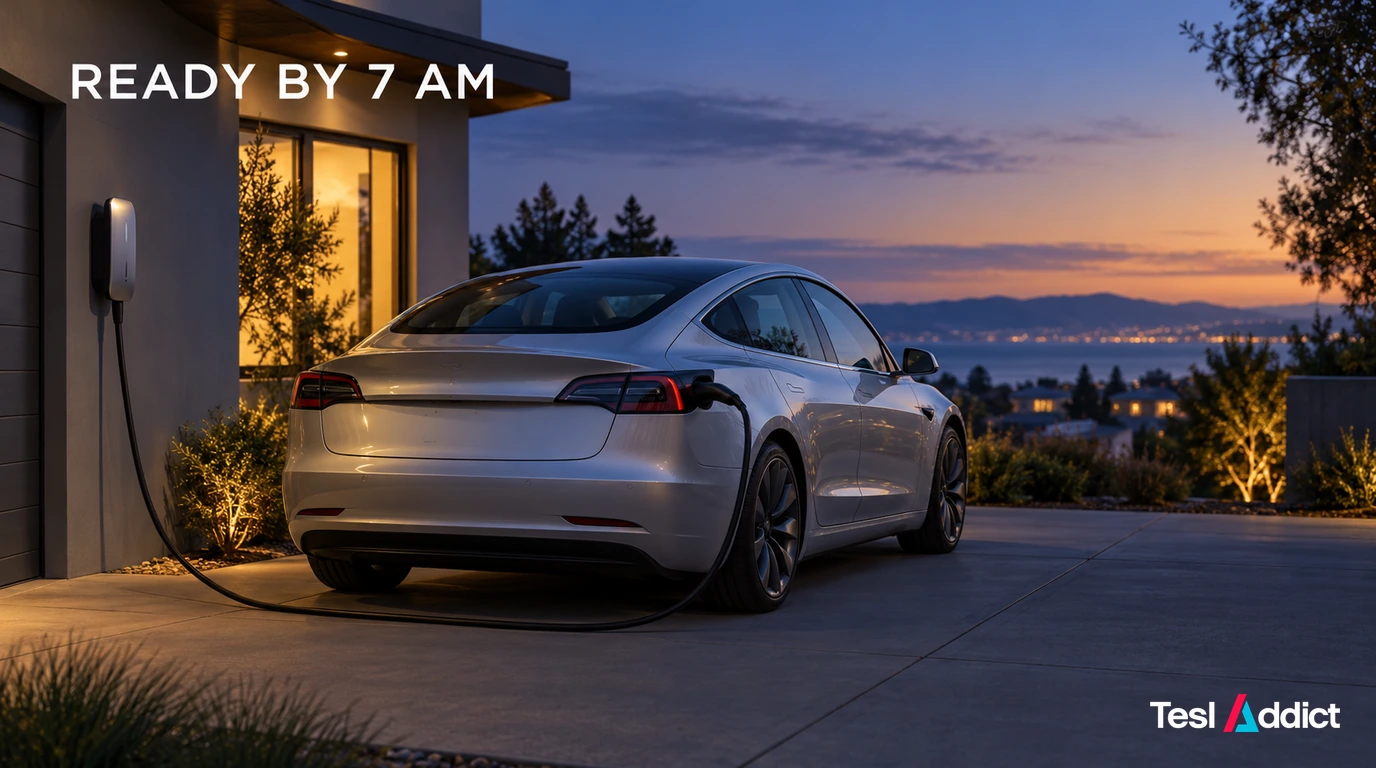
Use an End by 7:00 am charging schedule at your home location. Set cabin preconditioning separately if you also want the car ready to leave at seven.
Set the charging deadline
- Park at the location you want to schedule and open Controls → Schedule, or open Schedule in the Tesla app.
- Select the correct location, then add or edit a charging schedule.
- Set End by to 7:00 am, choose the required days and save. Enable the recurring option if this is your regular routine.
- Check your charge limit, connect the cable and confirm the scheduled session appears.
Tesla calculates when to begin when you specify an end time alone. Adding a start time restricts the available window; a short window or low-powered connection may not deliver enough energy to reach your limit. See Tesla’s scheduling instructions.
Match the schedule to your electricity plan
If cheaper electricity ends before seven, choose the charging deadline that matches your rate window. Preconditioning can remain scheduled for your departure. Compare your actual prices in our Canada or US charging-cost calculator.
If you are choosing new hardware, compare the Autel AC Lite and AC Elite in Gear. Coordinate the charger and vehicle schedules so they do not block one another; neither guarantees a full battery within an undersized charging window.
Menus vary with model and software. Check the schedule for the location where you plug in; Tesla’s scheduled charging settings do not control a fast-charging session.